Mestra
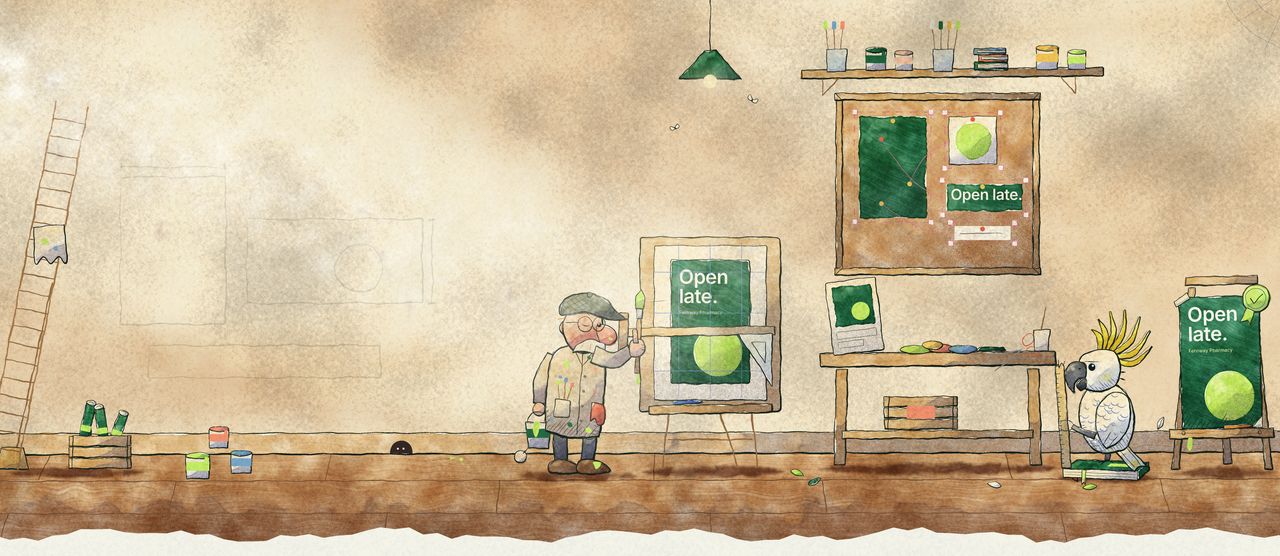
Inside a sign-writer's shed in the late-afternoon sun: the same ad ruled up on a drawing board, pinned out in pieces on a cork board, and cut and pasted on the bench, all ending as one approved poster on an easel. A cockatoo checks it with a ruler; tins and brush jars on the shelf, a lamp with moths, and a mouse in its hole with a tiny brush.

For design teams

Stop remaking the same ad twelve times.

One master in. Every format out: real, editable InDesign, Figma and Canva files, laid out properly and on brand. An afternoon of resizing, done in minutes.

Open lateyour masterEvery formatone editable file each
  • Banner1920×930
  • Square1080×1080
  • Digital screen1080×1920
  • Totem1080×3672
  • EDM footer1080×500
  • Adobe InDesign
  • Figma
  • Canva

example

  • 14-day free trial, no card to start
  • Works from your original master
  • One file per format

How it works

Set it up once. Generate every rollout.

Mestra learns your brands and your format list. After that, each campaign is one click from the master you already made.

  1. 1

    Add your brands and formats

    Logos, colours, fonts and rules for each brand. Then the sizes you deliver: screens, totems, socials, EDMs.

    Birchwood Bakery · 6 formatsTidewater Outfitters · 8 formatsJuniper & Vale · 12 formats
  2. 2

    Click Generate in your design app

    From InDesign, Figma or Canva. Mestra lays out every format from your master’s own frames. Nothing redrawn.

    Master → 11 formats
  3. 3

    Check, tweak, export

    Anything worth a look is flagged in plain English. Finish it like any other file, then export to InDesign, PDF, PNG or JPG.

    11 formats builtSome text doesn’t fit · TotemExported to InDesign + PNG

Getting set up

Resizing, without the afternoon.

The old wayWith Mestra

  • Rebuild the layout by hand for every sizeEvery format laid out from your original master
  • Hand-make the first resize before any tool can helpNo reference resize, no templates to build first
  • Keep a spreadsheet of copy changes per formatCopy, call to action and QR codes handled per format
  • One huge file with every artboard, slow and fragileOne clean, editable file per format and brand

Client review

Client approvals without the PDF email chain.

Send a run for review from the web app. Your team and your client look at the same sizes, in rounds, and decide on each one.

  • Rounds, pins and comments. Every send is a numbered round. Reviewers drop numbered pins on the design, then comment and reply in one thread.
  • Approve or request changes, per size. Each size gets its own decision, so the sizes that are right can be approved while the rest go back for changes.
  • Clients join with a link and a code. Share an outside link. Your client enters their name and email, then a 6-digit code we email them. No account to set up.

How review works

Open late · Round 2Fernway Pharmacy · 3 sizes
1 of 3 approved
  • Square postApproved
  • Digital screen1Move the headline below the string lights.Changes requested
  • BannerNeeds review

example

Pricing

Simple pricing. Unlimited seats.

Everything included: every size, motion, checks, approvals and publishing. In AUD, excluding GST.

Your next rollout, done before lunch.

Start your 14-day free trial. No card to start.