Mestra

Publishing

On the screens by morning. With receipts.

Approved files go to Broadsign, Doohly or Mestra Player, checked against each screen’s own specs on the way. You see what went where, and what played.

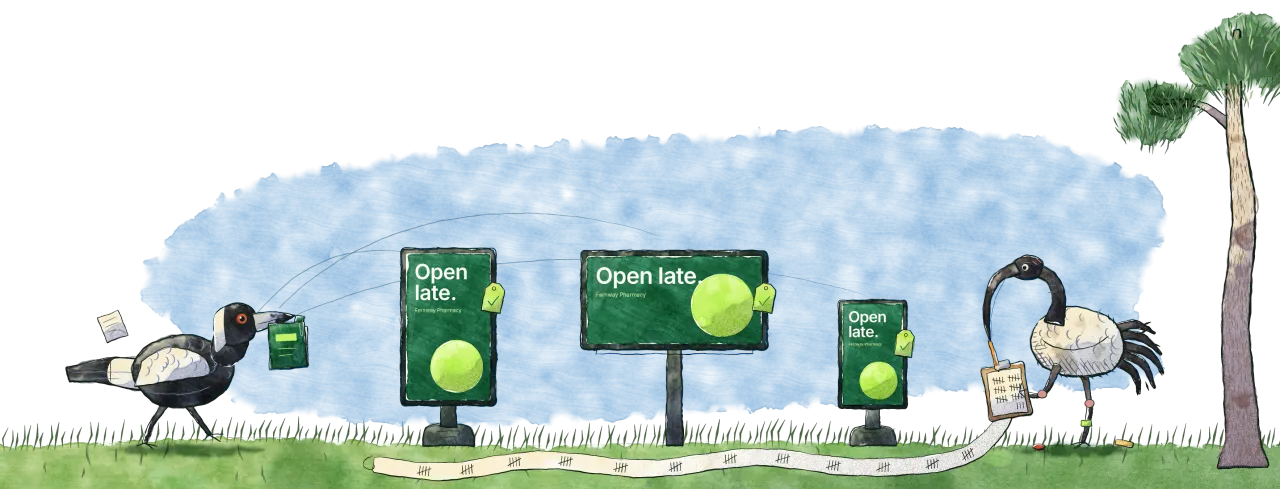
A magpie strides in carrying the file to three roadside screens, each showing the ad. On the far side an ibis with a clipboard counts every play, its tally running back across the grass on a long paper strip.

Only approved files leave the building.

Publishing takes the file people approved, checks it against the screen it’s going to, and sends it. You see what went where.

  • Only the approved file goes, never the one after it
  • The wrong pixel size, file type or file size is stopped before it leaves
  • Every booking’s screens and files in one Published list
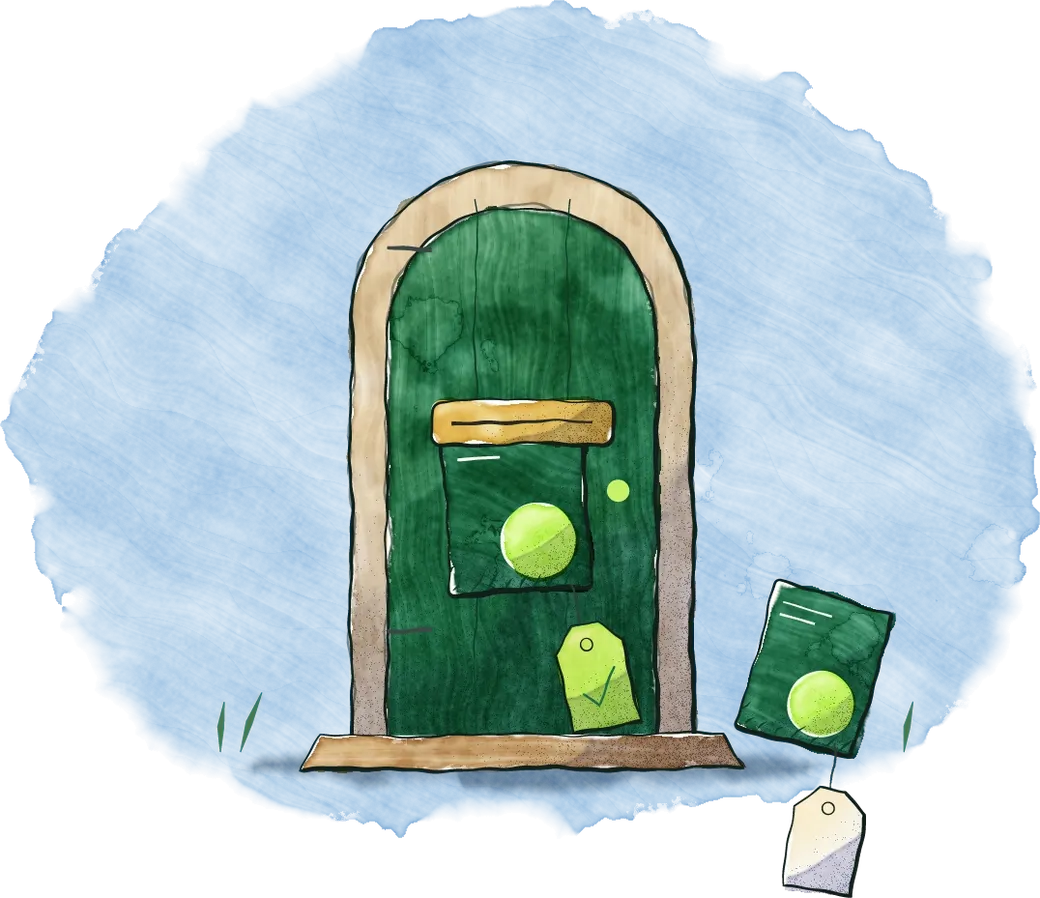
A little green door: a ticked file on its way out through the letter slot, and the one with a blank tag left on the mat.
Open late · PublishedFernway Pharmacy · 4 screens
3 live
  • Roadside northBroadsignPlayed yesterdayLive
  • Mall portrait, level 2DoohlyPlayed todayLive
  • Bus shelter 4Mestra PlayerPlaying nowLive
  • Car park totemDoohlyNeeds 1080×1920 px; this file is 1080×1350.Not sent

example

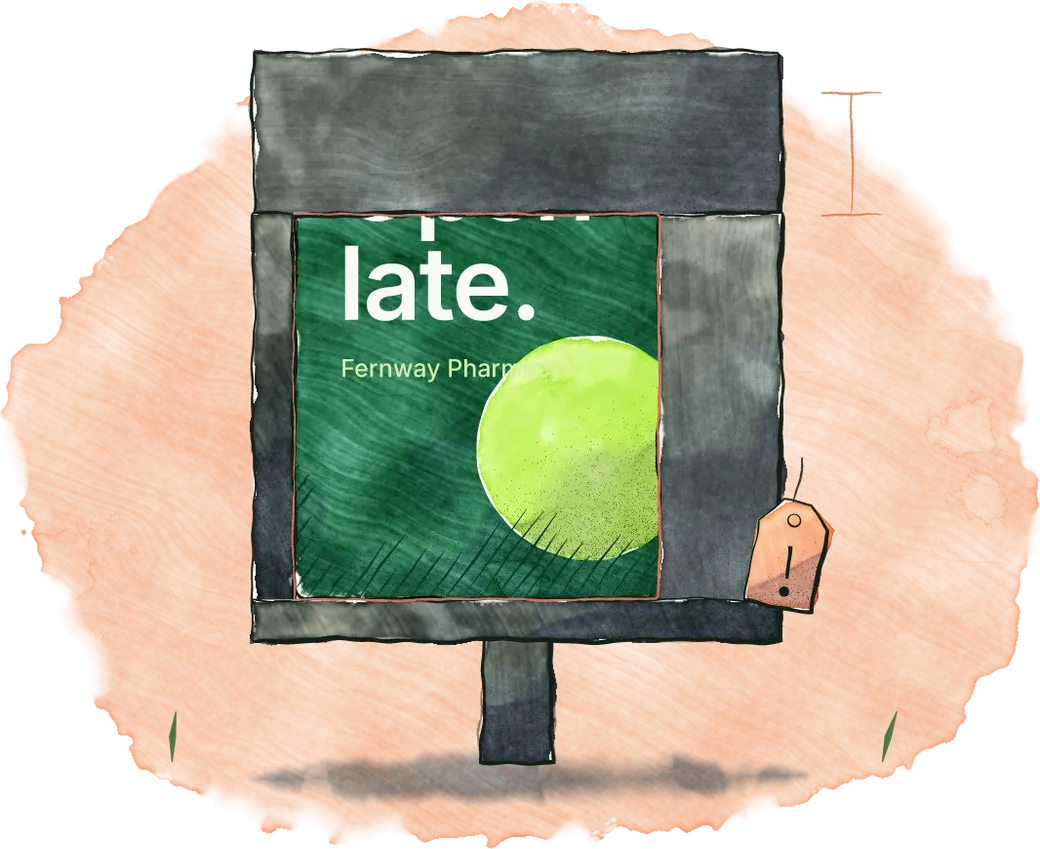
The artwork as sent, behind a screen's real surround: a deep hood that would cover the words and a cheek that clips the disc, what would show outlined in red pencil and flagged.

Checked against your real screens.

Mestra reads each screen’s size from Broadsign or Doohly, so it can tell when a frame covers the ad, or the artwork would be stretched or cropped to fit.

  • Openlate.Covered
  • Openlate.Stretched
  • Openlate.Cropped

Caught before anyone drives past.

Proof of play

And proof it played.

Plays come back to the same Published list, each tied to the exact file that was checked and the version of your rules it was checked against.

  • Mestra Player

    Every play, with its time and screen. Always on, with nothing to turn on.

  • Doohly

    Each play, with its time and screen, once an owner turns on Report plays.

  • Broadsign

    A daily total for each booking, once an owner turns on Report plays.

Good to know

Which plans include publishing?
Mestra Player publishes to your own Player screens and, as connected screens, to Broadsign and Doohly. Network and Enterprise publish to all three. Studio on its own makes and exports sizes.
Which screen systems?
Broadsign, Doohly and Mestra Player. Mestra reads your screens and their sizes from each one.
What can’t be sent?
A file nobody approved, or one that doesn’t match the screen’s pixel size, file type or file size. Brand rules flag; screen specs stop.
When does play reporting start?
On Doohly and Broadsign, from the day an owner turns on Report plays; bookings before then show no plays. Mestra Player reports from its first play.
Can play data arrive late?
Yes. It comes from your screen system, so it can. Broadsign counts are read every few hours.
What does Broadsign report?
A daily total for all screens together, so you see the last day a booking played, not the time or the number of screens.
Are dynamic variants counted separately?
No. Plays are counted for each booking and each version of your rules, not for each variant.
Sent, shown, and counted.