- Warning
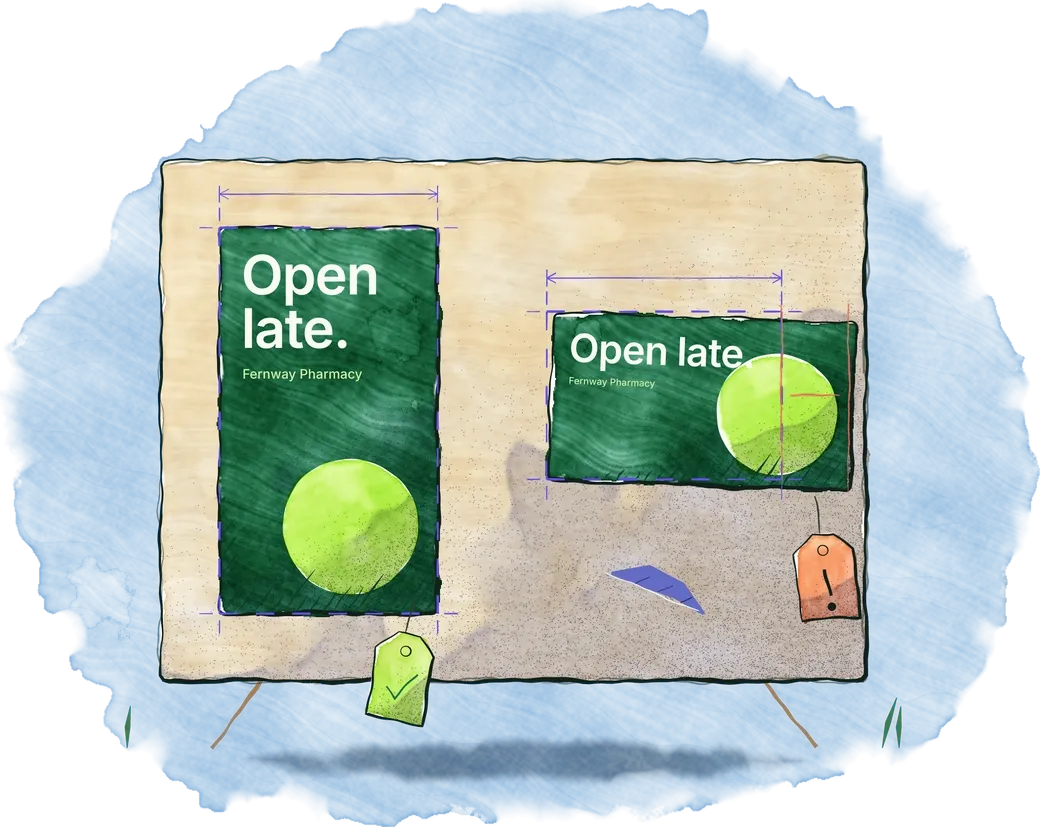
CRS-LEGIBILITYLegal text is 18 px; 16 px minimum at 2 m. Passes with little margin.Totem 1 · seen from 2 to 6 m - Error
CRS-LEGIBILITYLegal text is 18 px; 23 px minimum at 3 m.Totem 2 · seen from 3 to 10 m
example

OpenCRS
OpenCRS is the open standard for what artwork needs on each digital screen. A media owner describes its screens once, in a file on its own website, and any tool can read it and check artwork against it. Mestra stewards it.
Version 0.1, a working draft.

Publish
A media owner, landlord or venue puts one small index file on its own domain, at /.well-known/opencrs.json. It points to the documents that describe its screens, which can sit on its own site or with a company that hosts them for it.

What a description holds
Each format and screen says exactly what artwork needs, with one unit for each kind of measure, so nothing is guessed. These are its parts in version 0.1.
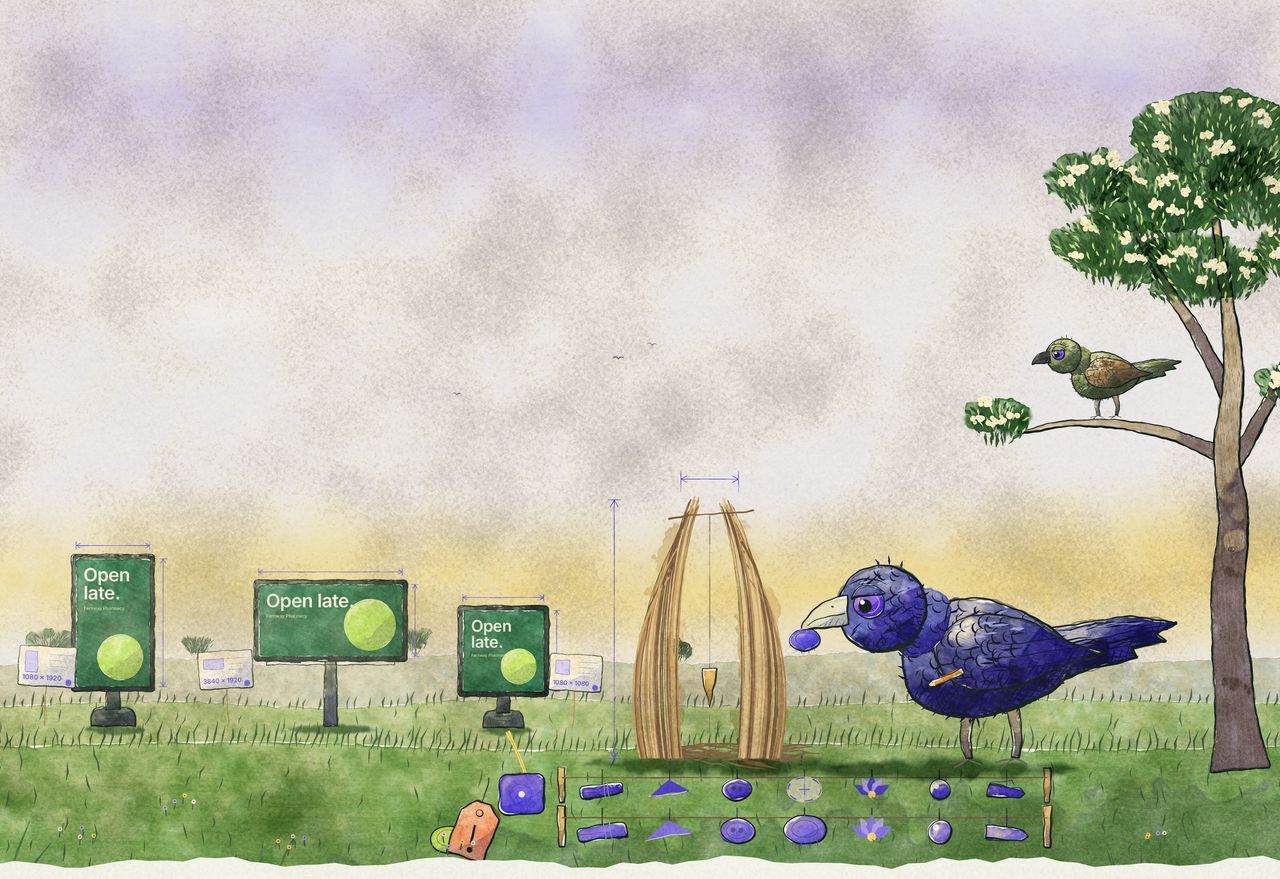
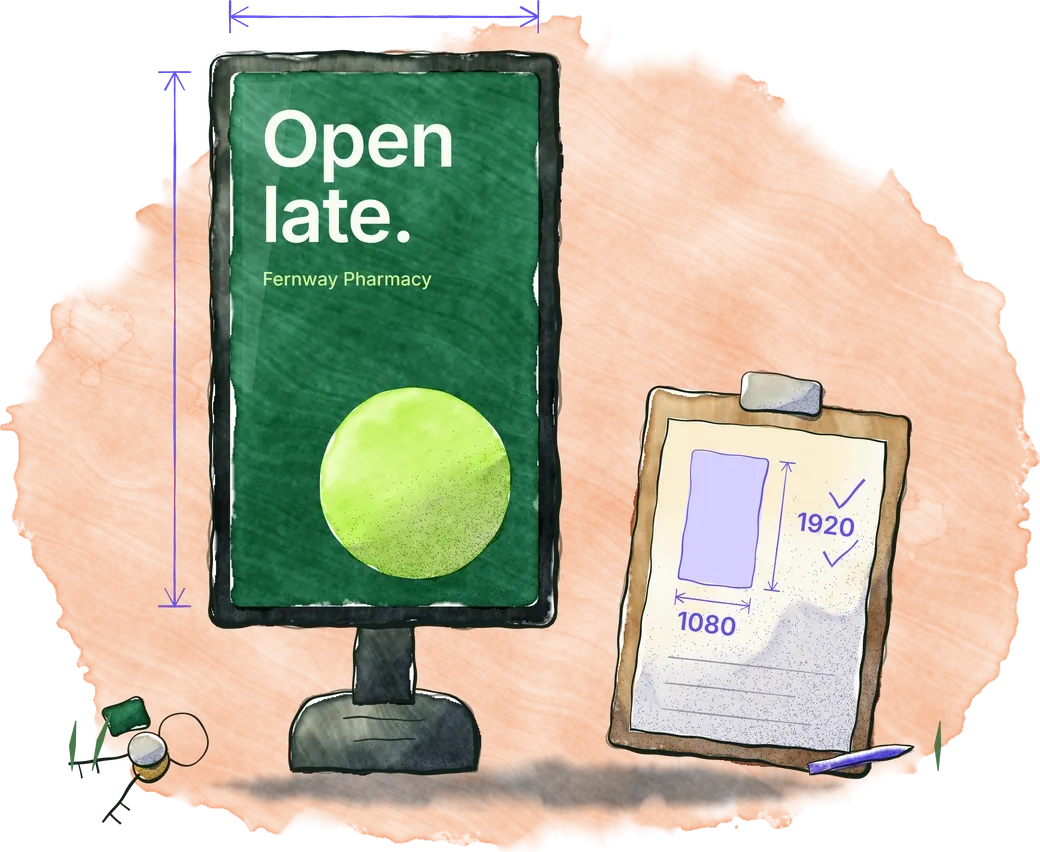
pixelsphysical_mmmediasafe_areablocked_regionssegmentsviewingplacementrulesFrom the viewing distance, a validator works out the smallest text people can read. On a 1080 × 1920 totem 940 mm wide, seen from 2 to 6 m, the headline needs a cap height of at least 46 px and the legal line at least 16 px. That is the spec’s own worked example, using its default ratio of 150, which is to be checked against real campaigns before 1.0.
Check
Whoever makes the artwork says which file is meant for which format or screen. A validator reads each file’s own pixels, type, size and length, checks it against every screen it’s meant for, and reports pass, warn or fail: a sentence a designer can read, and a code a machine can test.
CRS-PIXELSCanvas size matches the formatCRS-MEDIA-TYPEFile type is acceptedCRS-FILE-SIZEUnder the maximum sizeCRS-DURATIONMotion length matches the slotCRS-SAFE-AREAKey elements are inside the safe areaCRS-BLOCKED-REGIONNothing important sits under a blocked regionCRS-LEGIBILITYText meets the minimum size for the viewing distanceCRS-MAX-WORDSThe main message is within the word limitCRS-REQUIRED-ELEMENTRequired elements, such as a legal line, are there and big enoughCRS-CATEGORYThe advertising category is allowedCRS-MOTIONMotion is allowed here, and nothing flashes above the limitCRS-SPEC-STALEThe spec used was current, not expiredCRS-LEGIBILITYLegal text is 18 px; 16 px minimum at 2 m. Passes with little margin.Totem 1 · seen from 2 to 6 mCRS-LEGIBILITYLegal text is 18 px; 23 px minimum at 3 m.Totem 2 · seen from 3 to 10 mexample
The same file passes on one totem and fails on its twin, because the second is seen from further away.
The reference validator is open source: a command-line tool, packages for Node.js, Python and Go, and an online checker that runs in your browser, so files are never uploaded.
Try the online checker
Open
Anyone can publish, read and build on OpenCRS, without asking and without paying, competitors included. The specification is published under CC BY 4.0, and the schemas, examples and reference code under Apache 2.0.
While OpenCRS is at 0.x, Mestra maintains it in a public repository: anyone can raise issues and proposals, and the maintainers review them in the open. The plan is to hand the standard, and its name, to an independent industry or standards body once several publishers and validators use it. Until then it is a working draft, and it may still change while publishers test it.
Open an issue with what doesn’t fit. A real or anonymised spec sheet helps most.
Open an issueOpen an issue first, then a pull request. Commits are signed off under the Developer Certificate of Origin, and there’s no contributor licence agreement.
How to contributeThe publisher check reads your index and every spec it lists, and says what to fix.
Publisher checkIn Mestra
Mestra runs the open-source OpenCRS validator itself, so its checks are the standard’s own. Publish your specs as an OpenCRS file, and anyone making artwork in Mestra can import them and check against them before it reaches you.
For media ownersIn Setup, enter a publisher’s domain. Mestra reads its index and lists its formats and single screens by network. Each one you tick becomes a format, with its size, safe margin and minimum type sizes from the spec.
Import a publisher’s specEach size made from an imported format is checked against the spec and shows one pill: meets the spec, warnings or problems. A spec that has expired or can’t be reached shows not checked, never a pass. The check is free.
The screen spec checkWhile Mestra lays out a size on an imported format, it measures the spec’s text sizes, word limit, required elements, safe area and blocked regions on the layout itself.
Build & checkMestra re-reads each publisher’s spec daily. When one changes, the format shows Spec changed: see what changed, then update the format or keep it. Mestra never changes a format on its own.
Keep a format up to dateWhen a size goes to screens, the spec’s findings join the publish checks. A size that can’t meet the spec can’t be published, and anything else needs a reason first. In a Network booking, with nobody there to give one, the size is held instead.
PublishingIn Mestra Player, a screen can be tied to the OpenCRS screen it is, looked up from the publisher’s domain, one at a time or from a spreadsheet.
Mestra Player