Mestra
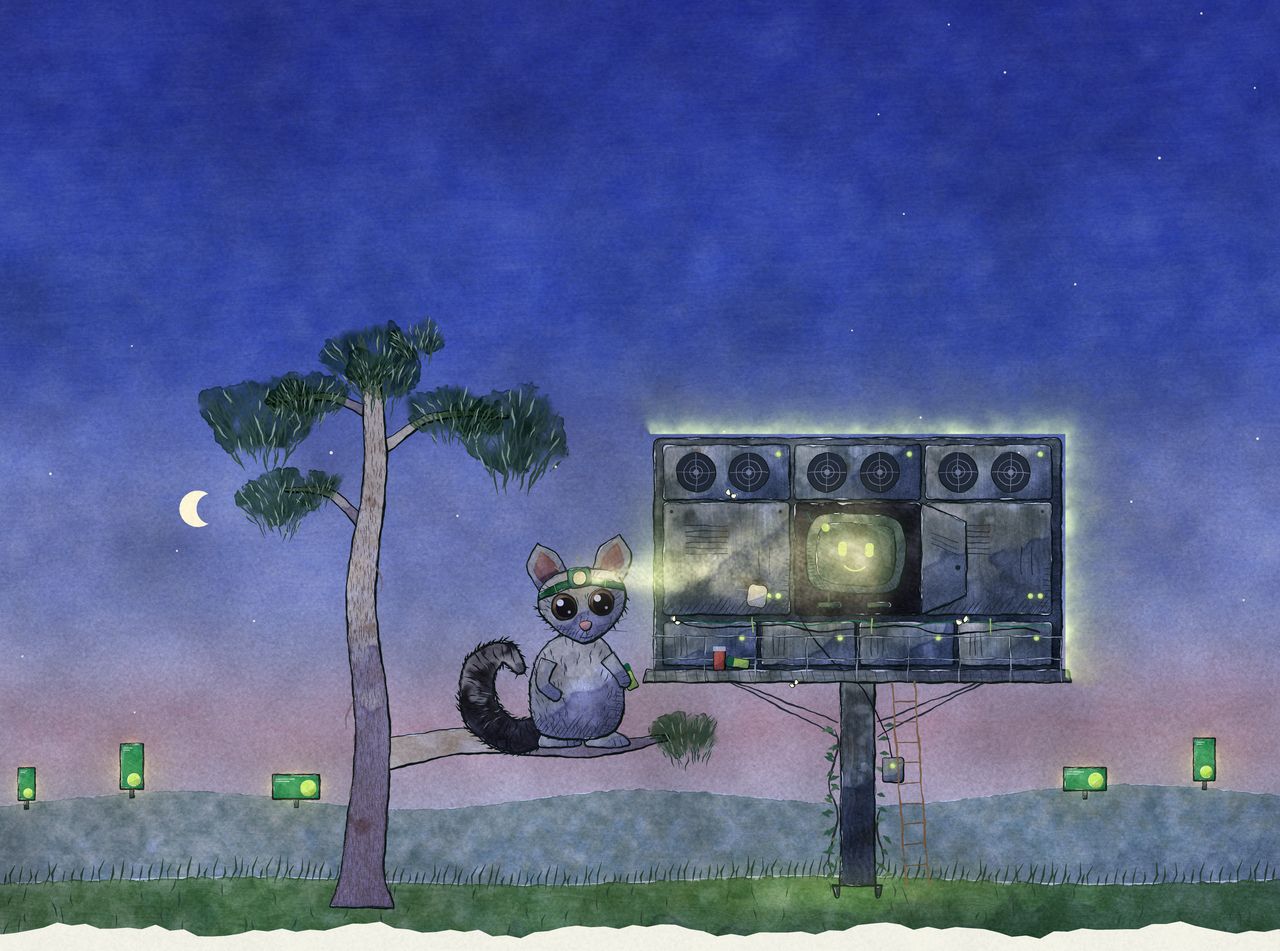
Night, behind a big roadside board on its pole: fans, cabinets and a status light on every module. One cabinet is open and a small, smiling screen-box sits inside in a warm glow. A ringtail possum on a gum branch shines its head torch on it, and the screens it keeps running glow across the valley.

Mestra Player

The box behind the screen, minding itself.

Mestra Player runs your screens on Linux, Windows and Android. Install it once and it plays, reports and picks itself back up, so nobody has to drive out to a dark screen.

  • LinuxUbuntu or Debian LTS, locked down as a kiosk.
  • WindowsWindows 11 Pro and Enterprise, IoT and LTSC, and Windows Server. Not Home.
  • AndroidSignage boxes and screens, locked to the player.
  1. Reboot, last of all
  2. Restart the service
  3. Show the last good stills
  4. Reset the display
  5. Restart the player
  6. Reload the page

Self-healing

It fixes itself, and says what it did.

When something goes wrong, the player tries the gentlest fix first and works up, keeping something on the screen while it does. Every repair is logged with its cause, in plain words.

  • Spots black, frozen or wrong pictures, not just a crash
  • Sees a filling disk, heat or failing hardware coming
  • A standby player holds the screen while the main one recovers
  • Uptime counted on the device every minute, and signed into a daily statement

Everything else a screen needs, from your desk.

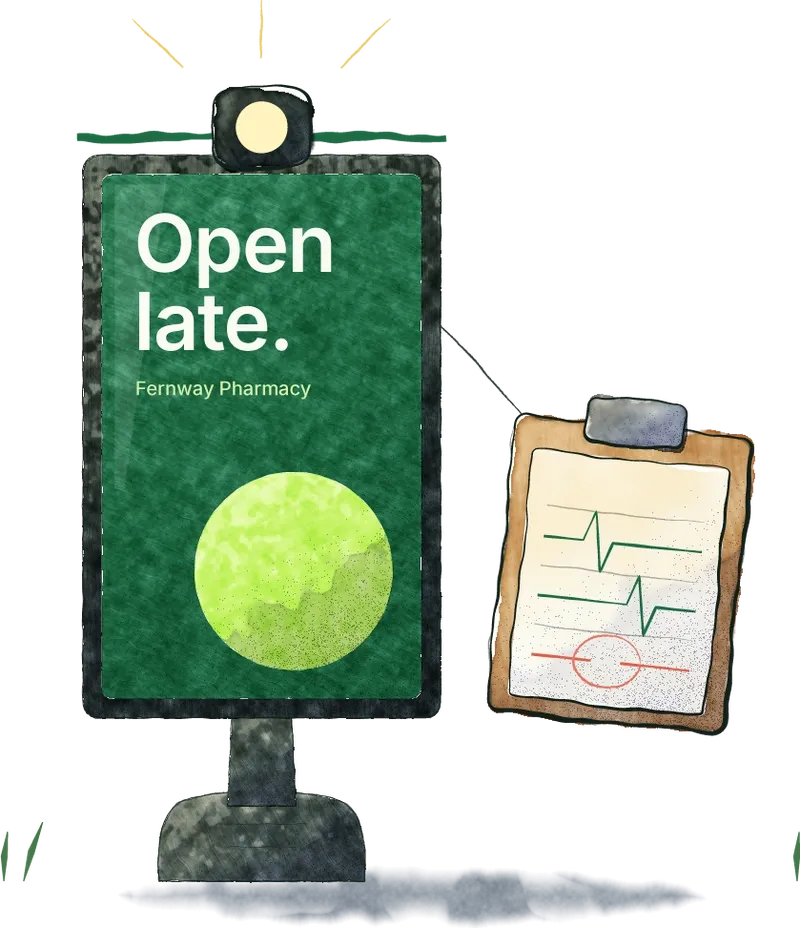
  • A street panel with a head torch strapped round its top and a chart hung on its side: two steady pulse lines, and a gap in the third ringed in red.

    Monitoring

    Every screen’s state, a screenshot and its logs from your desk. Dashboards for each screen, site and the whole network, and a webhook when one goes quiet.

    See example screens
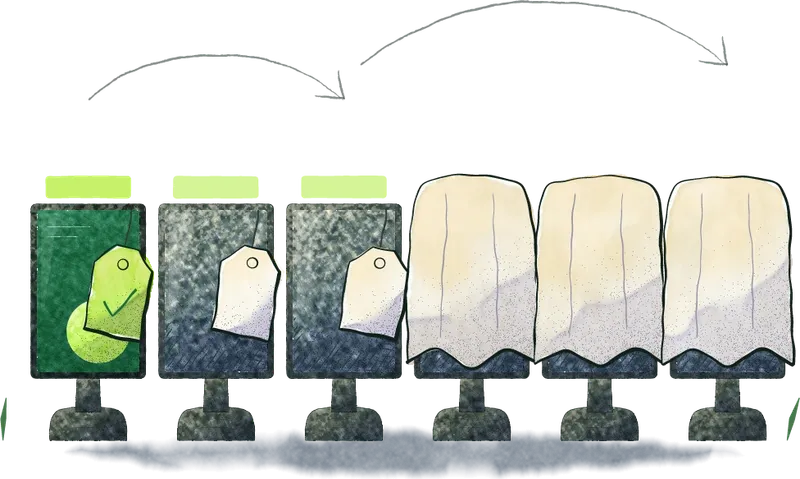
  • Six small screens in a row: the first updated and ticked, two more with the new ad and blank tags, three still under dust sheets, pencil arcs from few to all.

    Staged updates

    Signed updates reach a few screens first, then more, then all. If health drops, the rollout stops and those screens roll back on their own.

    How a screen heals
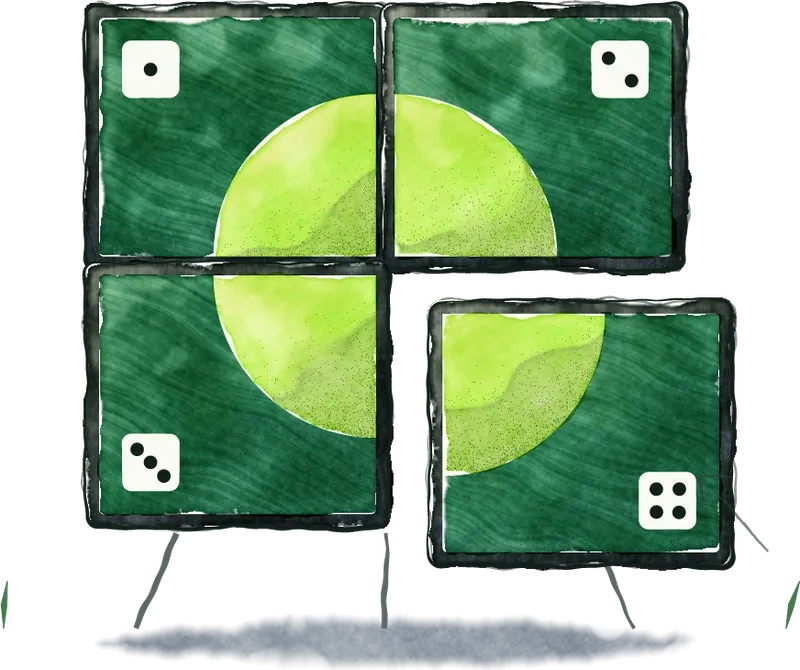
  • Four panels making one green disc between them, each showing its number as pips, the fourth being tapped into place.

    Screen groups

    Menu boards and video walls from one master, from one PC or a player per screen. Each screen shows its number; tap it into place.

    See a 2×2 group
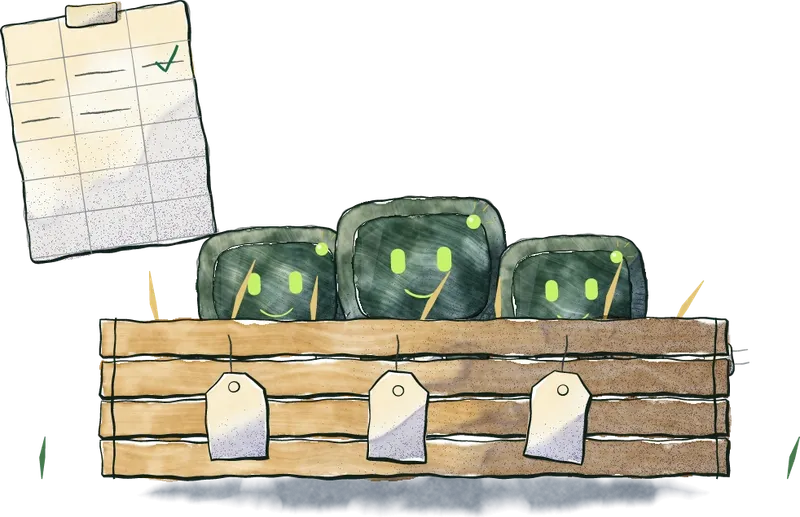
  • A crate of Player boxes in straw, a blank tag on each, and the list taped up beside it with the first row filled in and ticked.

    Many screens at once

    One install image and one spreadsheet. New players wait in an Unassigned pool until you give them a name and a site.

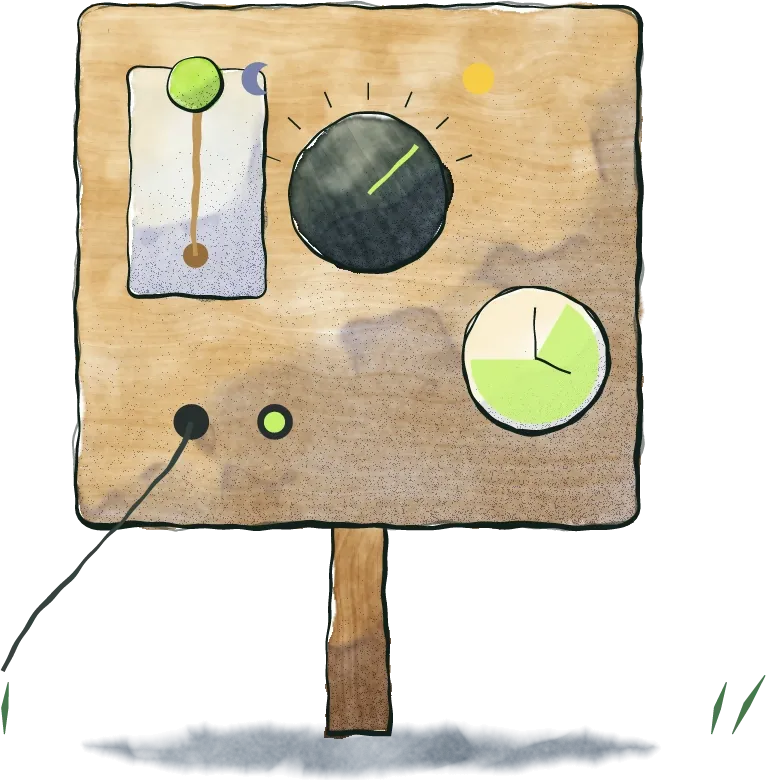
  • A control board on a post: a power switch, a dial between a moon and a sun, a clock with the open hours marked, and two inputs with a lead in the live one.

    Screen control

    Power, input, brightness and opening hours, over the panel’s serial or network control port.

  • The Player box with the count running out from under it as a tally strip, a pencil beside it.

    Proof of play

    Every play, with its time and screen, on the same Published list as everything else. Always on.

    Proof of play

Every screen, in plain words.

What each screen is doing, what it last fixed for itself and what’s next for it, across Linux, Windows and Android alike.

Kestrel Point · ScreensMestra Player
All on air
  • Food court menu boardGroup 2×2 · LinuxPlaying
  • Level 2 portraitWindowsPlaying
  • Car park entryAndroidFixed itself. Nobody went out.Recovered
  • Cinema foyer wallGroup 1×4 · WindowsNext in the rollout.Update staged
  • Loading dockLinuxOutside its hours.Off

example

Priced on your network.

Tell us about your screens, where they are and what they run on, and we’ll take it from there.

Talk to us

What connected Broadsign and Doohly screens include

Good to know

Which hardware?
PCs and Android boxes on our tested hardware and OS list. Tell us what you have and we’ll tell you where it stands.
What does it play?
Video, stills and HTML5, played gap-free from its own disk, up to 4K where the hardware can decode it.
What happens offline?
It keeps playing what it has, checked file by file, and catches up when the network is back. Losing the network never sets off a repair.
What does a stopped screen show?
Your choice: black, your logo or an image of your own.
Does it need open ports?
No. The player calls out to Mestra; nothing calls in.
Moving from Doohly or Broadsign?
Move screens across one at a time and run both side by side while you do.
Screens that look after themselves.