Mestra
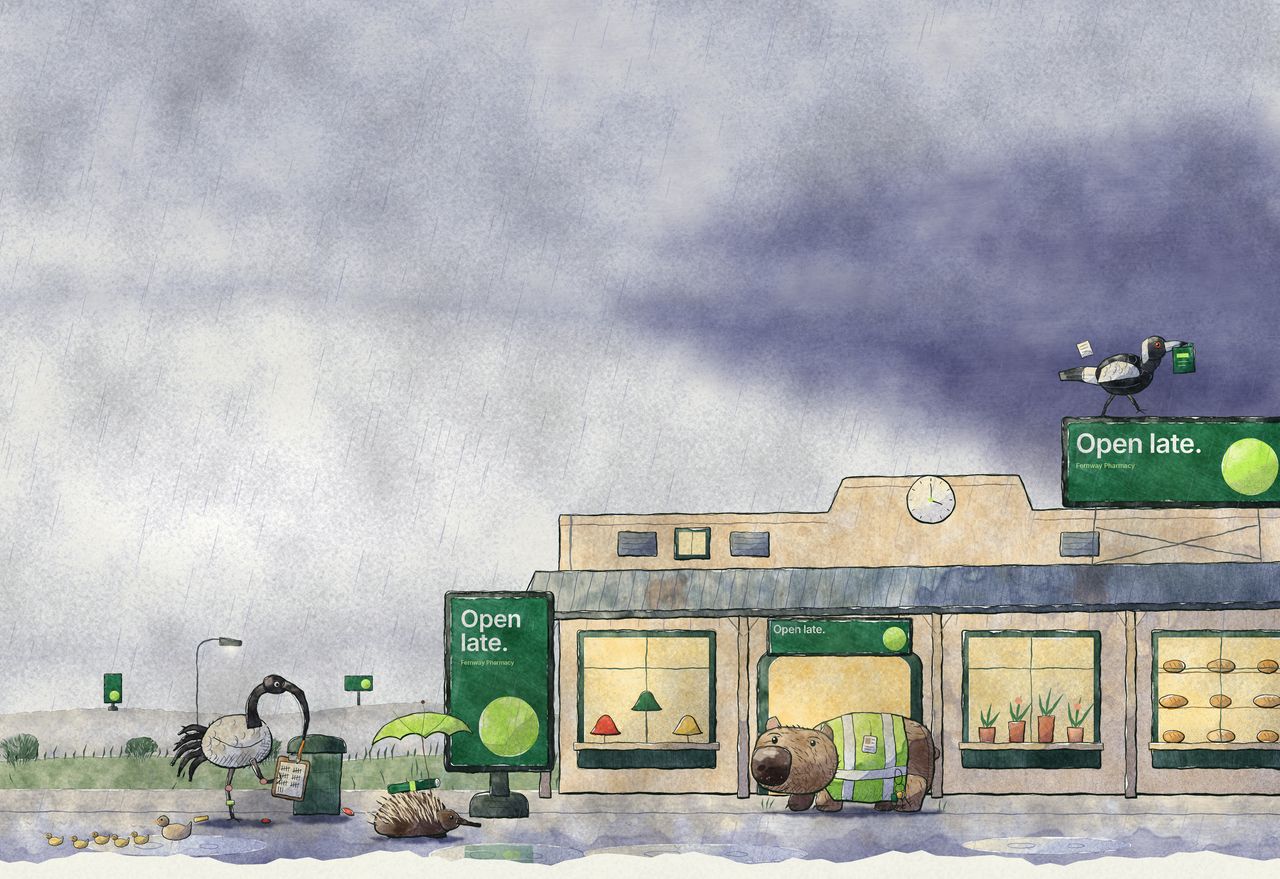
A wet afternoon at a shopping centre: an old verandah row of warm shop windows under an iron roof, its screens bright in the rain, one on the roof with a magpie on top. A wombat centre manager keeps dry in the doorway with the keys, an echidna tenant arrives under a green umbrella with new artwork, an ibis counts plays by the bin and a duck leads five ducklings through the puddles.

For shopping centre groups

Every centre, every screen, from one approved master.

Mall screens, totems, directory boards, the WiFi portal, EDM footers and socials. Each centre’s screens are different. Mestra builds every format each centre needs from the campaign art your agency already made, and your teams approve it in one place.

Open lateSpring campaign · 4 centres
2 of 4 approved
  • Linden Court14 screens, 2 totemsApproved
  • Marlow Park9 screens, directoryApproved
  • Quayside Arcade6 screens, food-court ribbonLegal line is 13 px; the ribbon needs 16 px.Needs a look
  • Hollin Square11 screens, WiFi portalWaiting

example
One campaign. Every centre. Every screen.

Your week now

  • Every centre is differentPortrait screens in the mall, a landscape wall in the food court, a printed totem out the front. One campaign becomes hundreds of files.
  • Approvals live in emailHead office, centre managers and customers all sign off. Which version was approved, and for which centre, takes a search to find out.
  • Consistency slipsEach centre’s team fixes sizes its own way. The brand drifts from one centre to the next.
  • Staff time goes on productionMarketing teams spend their week resizing and chasing approvals instead of running campaigns.

With Mestra

  • Every centre is differentOne master in. Mestra builds the formats each centre needs from it.
  • Approvals live in emailEach size is approved in one place, and the record stays with the file.
  • Consistency slipsEach centre’s logos, fonts and rules are applied to every size, the same way every time.
  • Staff time goes on productionTeams spend the week on the campaign, not on resizing it.

One pipeline, from approved master to screen.

  1. 01Approve

    Head office or your agency signs off the campaign master.

    Design apps
  2. 02Build

    Mestra builds every format each centre needs: screens, totems, directory boards, the WiFi portal and EDMs.

    Build & check
  3. 03Check

    Each centre’s logos, fonts and rules are applied to every size. Anything Mestra can’t fix is flagged before it publishes.

    What gets checked
  4. 04Review

    Centre teams and head office approve each size in one place. A size that changes after approval goes back for review.

    Approvals
  5. 05Publish

    Approved files go to the matching screens at each centre, through Doohly, Broadsign or Mestra Player.

    Publishing
  6. 06Change

    Change the ad by time of day or a countdown to a sale. Each variant is built from what head office approved and checked against your rules before it can play.

    Dynamic creative
  7. 07Also

    Selling screen time to customers too?

    See Network

What a pilot looks like

  1. 1

    We set up a handful of your centres, with their real screens and sizes.

  2. 2

    We run one of your live campaigns through Mestra, from the master your agency delivers.

  3. 3

    Your team reviews and approves it, and we compare the time and cost with how you do it today.

Prove the saving on your own network.

An echidna tenant bringing rolled artwork in.