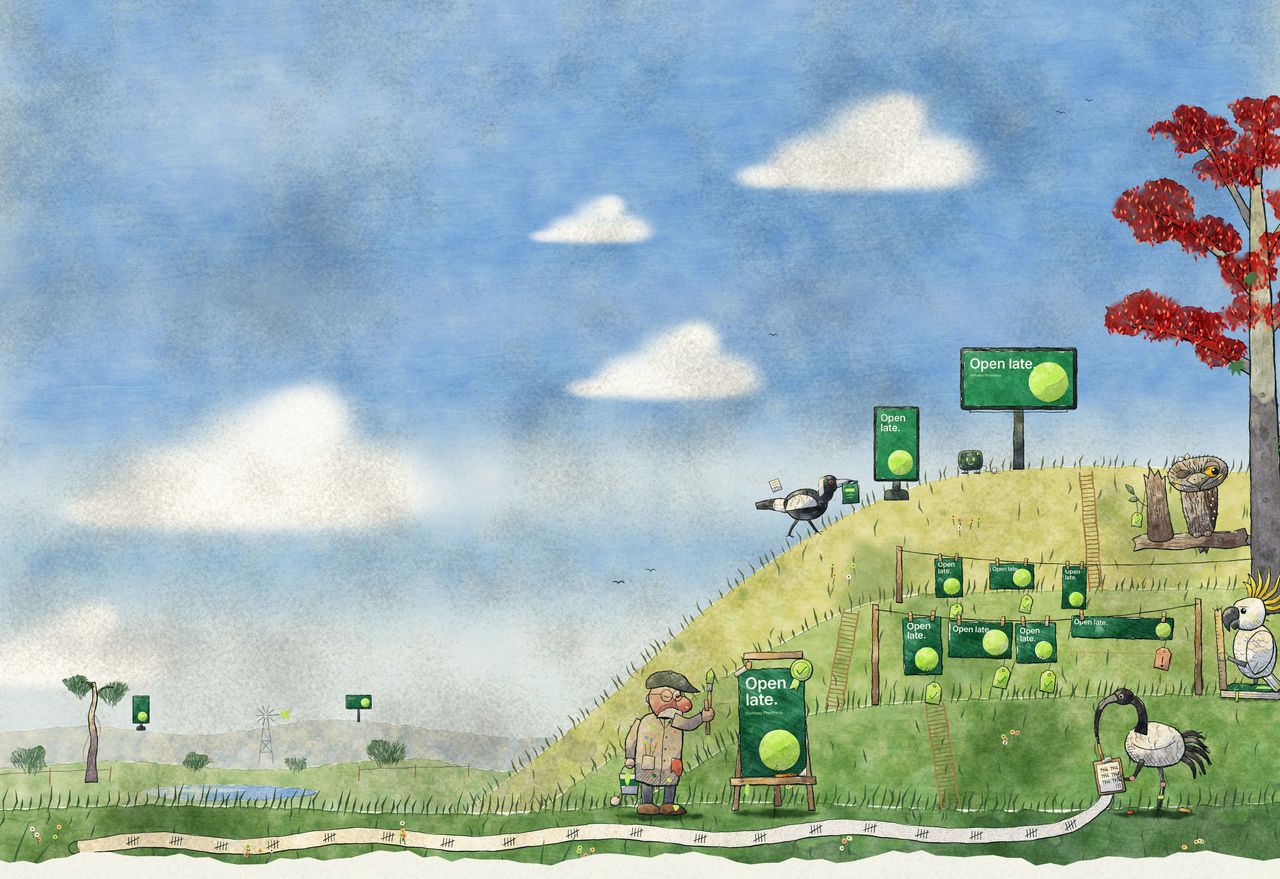
It starts with one master.
Your creative agency designs the campaign in InDesign, Figma or Canva, the way it does today.
Signed off once.
Your team or agency approves the master. Every size Mestra makes comes from this approved file.
How approvals workEvery format, laid out for its shape.
Mestra lays the master out again for each screen: landscape, portrait, totem, banner. Real, editable files, not stretched or cropped copies.
For every screen in the network.
Each location gets the sizes its screens need. A size shared by many screens is made once.
About build & checkYour brand rules, applied.
Logos, fonts, minimum type sizes and clear space are applied as every size is built.
What can’t be fixed is flagged.
If Mestra can’t fix something, the size is flagged for your team before it publishes.
About build & checkThe wrong file can’t reach a screen.
A file that doesn’t match its screen’s size or file type can’t be published to it.
Approved in one place.
Head office, centre teams, clients and outside reviewers approve each size, or pin a comment for a new version.
Tied to the exact file.
Every approval is recorded. If a size changes after it was approved, it goes back for review.
About approvalsSent to your screen platform.
Approved files go to the matching screens through Doohly or Broadsign, on the start date or when you press Go live.
And you can see what went where.
Which files were sent to which locations, and when. With Doohly, you can also see when they played.
About publishingTry it yourself
Two things to play with.
Grow the network
Drag to add locations. Each one has five screens of different sizes. Mestra makes each size once, however many screens show it.
- Masters your agency makes
- 1
- Screens to fill
- 45
- Sizes Mestra makes
- 6
Approve it yourself
You’re the centre team. Approve this size, send it live, then change it and see what happens to the approval.
This size is waiting for the centre team.